The Best Social Media Video Sizes and Aspect Ratios in 2026
A practical, no-guesswork guide to video dimensions for TikTok, Instagram, YouTube, LinkedIn, Facebook, and X.
The same video can feel polished on one platform and awkward on another. The difference is often not the camera or the edit. It is the frame. When important text sits behind interface buttons or a speaker is cropped at the forehead, viewers notice immediately.
The short answer
- Vertical short-form video: 1080 × 1920 pixels, 9:16.
- Portrait feed video: 1080 × 1350 pixels, 4:5.
- Square feed video: 1080 × 1080 pixels, 1:1.
- Landscape video: 1920 × 1080 pixels, 16:9.

Those four masters cover nearly every common social placement. Exporting each deliberately gives you more control than uploading one landscape file and letting every platform decide how to crop it.

TikTok
Use 1080 × 1920 at 9:16. TikTok is built for full-screen vertical viewing, so horizontal video immediately feels repurposed. Keep essential text away from the bottom caption area and the right-side interaction controls. Put the hook in the visual and spoken content rather than relying on the post caption.
Reels and Stories
Use 1080 × 1920 at 9:16. Stories add interface elements at the top and bottom, while Reels add captions and controls. Keep faces, products, and important titles inside the central portion of the frame.
Feed posts
Use 1080 × 1350 at 4:5 when you want maximum screen space in the feed. Square 1080 × 1080 remains reliable for flexible campaign assets, but portrait video occupies more vertical space and can create stronger stopping power.
YouTube
YouTube Shorts
Use 1080 × 1920 at 9:16. A clear first frame matters because Shorts often begin before viewers consciously decide to watch. Burn in readable captions and avoid placing key text at the extreme edges.
Standard YouTube video
Use 1920 × 1080 at 16:9 for standard uploads. If your source is 4K, keep the 16:9 frame at 3840 × 2160. Higher resolution will not rescue soft footage, so prioritize a clean source and sensible compression.
Use 1080 × 1350 at 4:5 for mobile-first thought leadership and product explainers. Use 1920 × 1080 when the content includes screen recordings, presentations, or detailed demonstrations that need horizontal room. Add captions because professional audiences often browse without sound.
Use 4:5 for feed campaigns and 9:16 for Reels and Stories. Square remains useful when one creative must work across several placements, but a placement-specific export usually performs and looks better.
X
Landscape 16:9 remains effective for news, commentary, demos, and clips embedded in a conversation. Square and 4:5 can command more mobile feed space. Keep the opening visually clear because autoplay and fast scrolling give you very little time to establish context.
Safe-zone rules that prevent bad crops

- 1Keep titles and logos away from the outer 10% of the frame.
- 2Do not place subtitles flush against the bottom edge.
- 3Preview vertical exports on an actual phone before scheduling.
- 4Check that platform controls do not cover a face, product, or price.
- 5Create separate thumbnails rather than using a random video frame.
Start with the highest-quality source, create each aspect ratio from that master, and compress only after cropping. Repeatedly converting an already compressed export compounds quality loss.
Create every ratio in one workflow
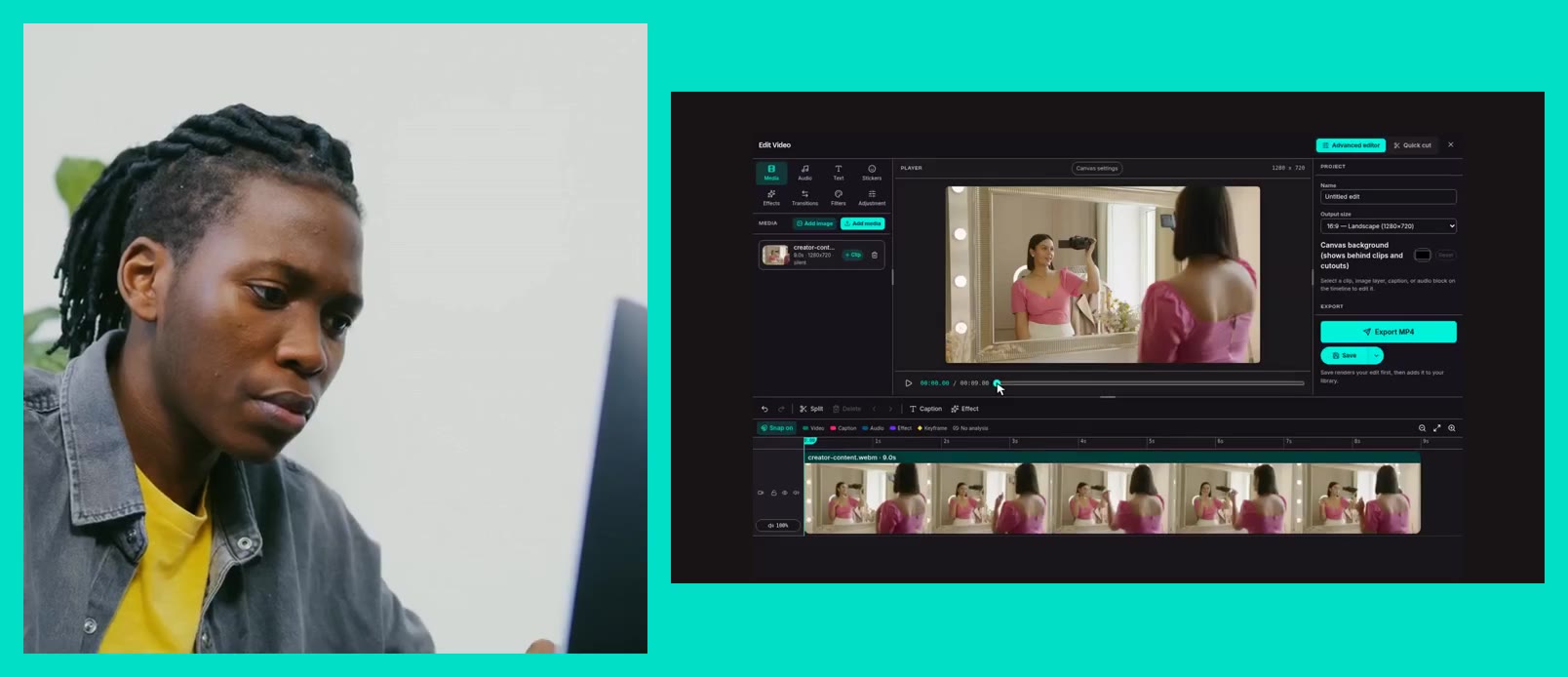
SPARK Media Editor can produce multiple aspect ratios from the same source. Select the formats you need, check the crop for each destination, and use clear filenames such as campaign-topic-reels-9x16.mp4. Your future self, and everyone else on the team, will know exactly where each file belongs.