How to Repurpose One Video Into 10 Pieces of Social Content
Turn one strong recording into a full week of platform-ready clips, quotes, images, and posts without making the content feel recycled.
The hardest part of content creation is rarely the edit. It is finding an idea worth saying. Once you have a useful webinar, interview, tutorial, podcast, or customer story, publishing it once is a waste. The smarter move is to treat that recording as source material for an entire campaign.
Repurposing is not posting the same clip ten times. It is finding ten distinct reasons for someone to care about the same original idea.
Start with one content-rich source
Choose a recording with a clear promise and several self-contained moments. A 20-minute founder interview can work better than a polished 60-second advertisement because it contains opinions, stories, examples, and natural reactions. Before editing, write down the audience, the single big idea, and the action you want viewers to take.
The 10-piece content map
- 1A 45–60 second hero clip that delivers the main insight.
- 2A 15-second hook that stops the scroll and creates curiosity.
- 3A myth-versus-reality clip built around a surprising correction.
- 4A practical how-to clip with three clear steps.
- 5A customer quote or memorable statement with captions.
- 6A square feed video for LinkedIn, Facebook, or Instagram.
- 7A vertical version for Reels, TikTok, and YouTube Shorts.
- 8A text post built from the strongest argument in the transcript.
- 9A carousel outline using five short lessons from the recording.
- 10A still image or thumbnail paired with a question for the audience.

Find moments before you touch the timeline
Editing becomes much faster when you work from a transcript. Upload the recording to SPARK Transcribe, then scan for strong claims, useful lists, emotional stories, and sentences that make sense without the previous five minutes. Mark each moment by purpose: educate, challenge, reassure, prove, or invite.
A strong short-form clip should make sense with the sound off, establish context in the first two seconds, and deliver one complete idea before the viewer needs to swipe.
Build the hero clip first
The hero clip becomes the reference point for every smaller asset. Cut the dead air, remove repeated phrases, and start as close as possible to the most interesting sentence. Add captions that are easy to read on a phone. Avoid filling every corner with graphics; the speaker and the idea should remain the focus.
Reframe for each platform
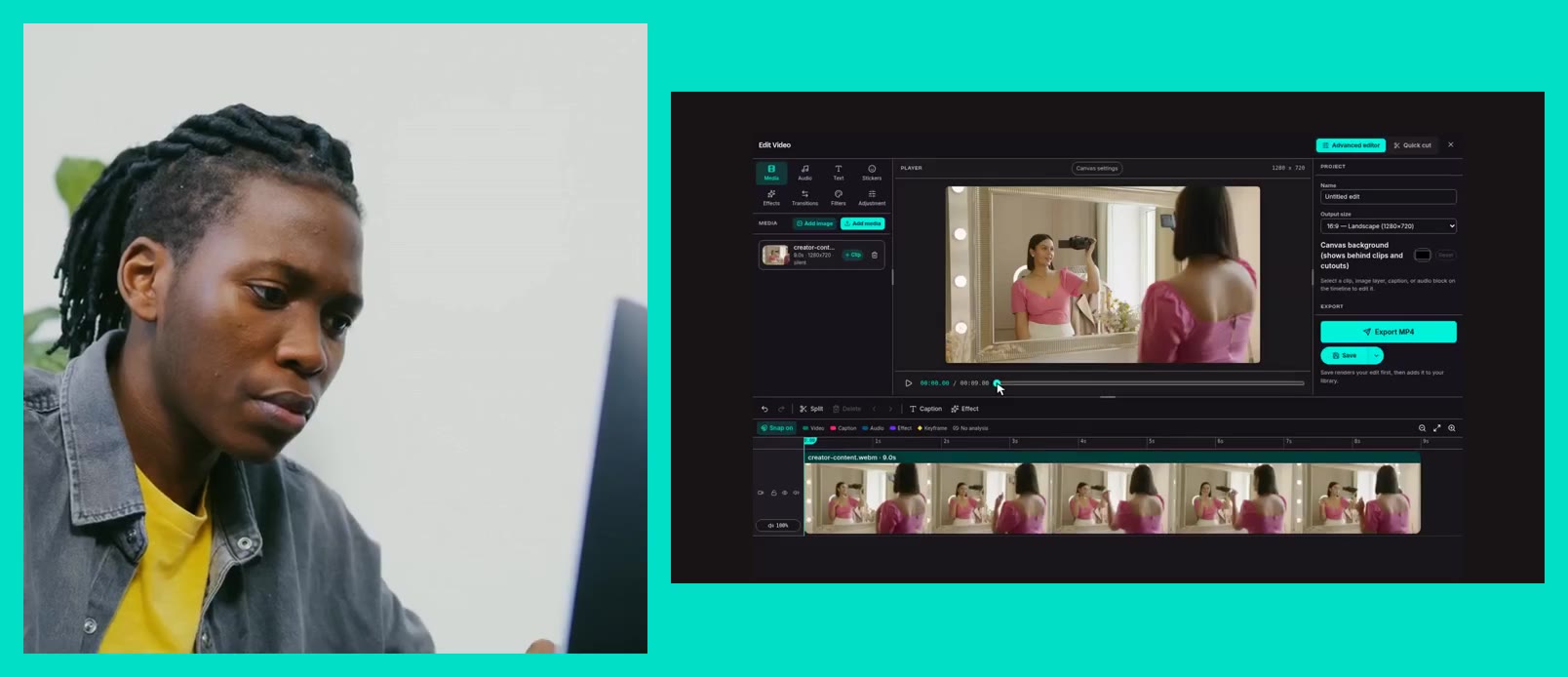
A landscape recording should not be squeezed into a vertical canvas. Use SPARK Media Editor to create 9:16, 4:5, and 1:1 versions. Check every crop manually: keep eyes near the upper third, preserve hand gestures when they matter, and leave safe space for platform buttons and captions.
- 9:16 for TikTok, Reels, and YouTube Shorts.
- 4:5 for a larger Instagram and Facebook feed presence.
- 1:1 for flexible feed posts and paid social placements.
- 16:9 for YouTube, websites, presentations, and newsletters.
Make every version earn its place
Change the opening line, caption, and call to action to match the format. The hero clip might promise a complete framework. The 15-second cut might ask a provocative question. The carousel can turn the same idea into a saveable checklist. Reusing the source is efficient; repeating the exact experience is not.
A simple publishing rhythm
Release the hero clip first, then use the shorter edits to reinforce the idea over the next seven to ten days. Alternate formats so followers see a video, a text insight, a carousel, and a question rather than a row of near-identical clips. Track completion rate, saves, shares, and qualified replies, not just views.