How Do I Adapt One Video for TikTok, Reels, and YouTube Shorts?
By SPARK Editorial Team ·
How do I adapt one video for TikTok, Reels and YouTube Shorts?
Start with one clean source video, then make a separate vertical version for TikTok, Instagram Reels and YouTube Shorts. Reframe the subject, check each platform’s current duration and upload rules, adjust captions and interface-safe areas, and tailor the opening and post copy. Preview every export on a phone before publishing.
One source recording can support all three short-form destinations, but the same crop and caption placement may not work everywhere. Keep a clean master, create a vertical 9:16 version for each destination, and review current platform requirements before you upload.
What should stay consistent across versions?
- The central idea and factual claims.
- A clear, complete moment that makes sense without missing context.
- Legible captions and audio that remains synchronized.
- Original footage and any approved brand or campaign elements.
What should I tailor for each platform?
Check duration, file format, sound and upload guidance for each destination when you publish; platform rules can change. Give each version a platform-appropriate opening and post description. Keep important text and faces away from areas where app controls or captions may appear.
How do I create the three edits?
- 1Choose one self-contained segment from the source.
- 2Set the crop to vertical and position the person or action in frame.
- 3Scrub the entire clip; adjust framing if the subject moves.
- 4Add and check captions, sound, and any text overlays.
- 5Export a separate file for each destination and name it clearly.
Can SPARK make the versions?
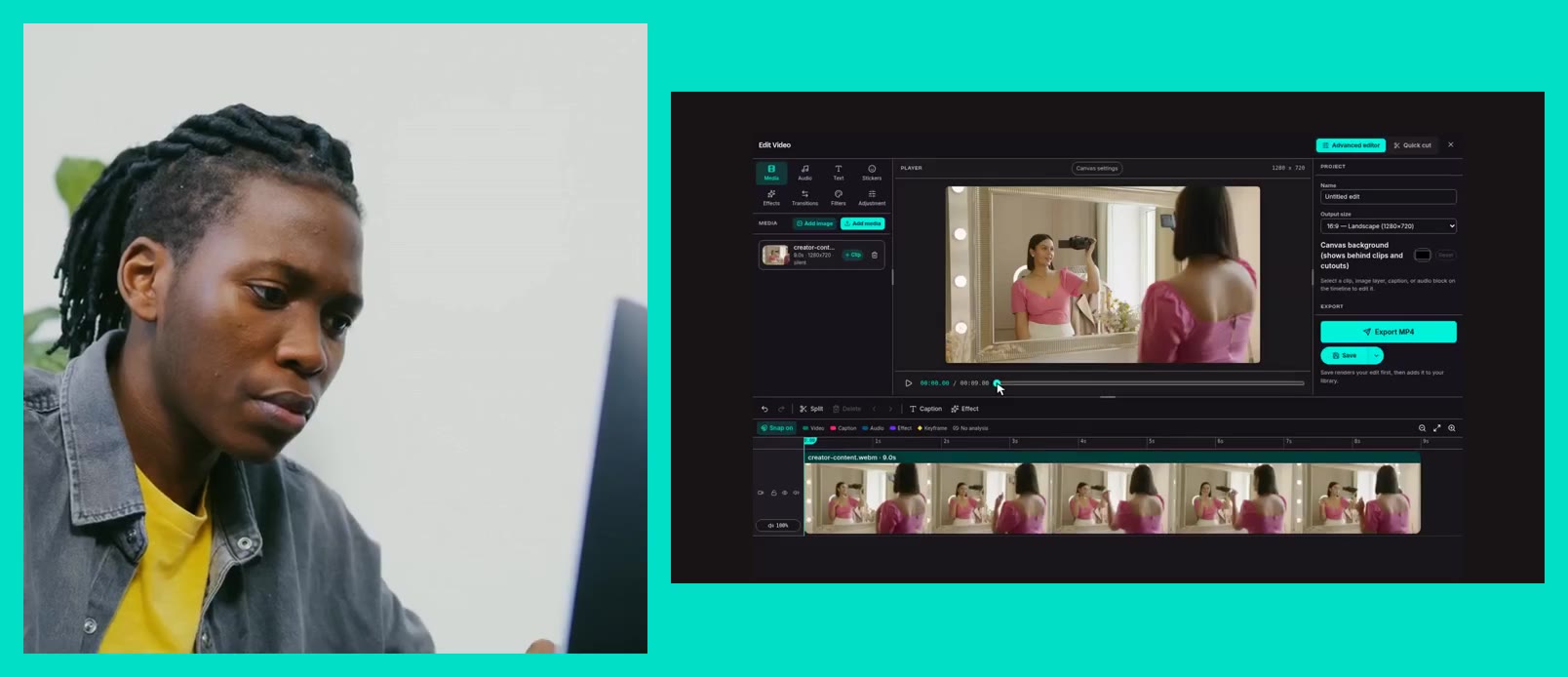
SPARK Editing can crop or resize video to common formats, including 9:16, and offers compression presets. It is still important to inspect each result: a crop that works for a centered speaker may cut off a product demonstration or hand movement.
Final phone review checklist
- Does the first moment explain why to keep watching?
- Can you see the speaker and the important action?
- Are captions readable and clear of app controls?
- Does audio play correctly, and does the export avoid unwanted bars?
- Does each file meet the destination’s current upload rules?
Frequently asked questions
Can I upload the exact same file to all three platforms?
You can reuse a source, but review each destination’s current requirements and preview the crop, captions and controls. Separate exports and tailored post copy usually make it easier to catch platform-specific issues.
Should all three versions be 9:16?
Vertical 9:16 is a common full-screen format for short-form video, but always verify current upload rules for the exact placement. Keep the original if a vertical crop removes essential content.
How do I keep the subject in frame?
Position the crop around the main subject, then review the complete clip because people and cameras move. Reposition or create another version if one fixed crop cannot preserve the important action.
Does SPARK automatically publish to TikTok, Reels and Shorts?
The SPARK Editing workflow creates and downloads video outputs. This guide does not imply that SPARK publishes directly to those platforms; check the product workflow for current publishing integrations.