The Complete Guide to Video Compression for Social Media
H.264, HEVC, AV1: what the codecs actually mean, which platforms support what, and how to compress without losing quality.
Video file size is a constant battle. Upload too large and your platform re-encodes at a lower quality. Compress too aggressively and you introduce blocking artefacts that look terrible in fast-motion content. Here's what you need to know.
The three codecs you'll encounter
H.264 (AVC)
The oldest and most compatible of the three. Every platform accepts H.264. It's the safe default for anything that needs to work everywhere. The downside: at equivalent quality, H.264 files are roughly twice the size of AV1.
H.265 (HEVC)
About 40% more efficient than H.264. The catch is patent licensing. Not all platforms accept HEVC uploads, and some browsers still struggle with playback.
AV1
The modern open standard. AV1 is royalty-free, 50% more efficient than H.264, and now natively supported by YouTube, Netflix, and most modern browsers. Hardware encoding support is still maturing on older machines, but software encoders like SVT-AV1 are fast enough for practical use and SPARK's Compress Video preset uses SVT-AV1 by default.

What quality setting should you use?
H.264 uses a Constant Rate Factor (CRF) scale from 0 (lossless) to 51 (maximum compression). For social media delivery:
- CRF 18–22: Near-lossless. Use for archival or client deliverables.
- CRF 23–28: Excellent visual quality, 40–60% smaller than the original. The sweet spot for most social content.
- CRF 29–35: Visible quality loss on close inspection. Acceptable for Stories/Reels where the platform will re-encode anyway.
Platform-specific recommendations
- Instagram Feed: H.264, up to 4GB, max 60fps. Use SPARK's Quick Compress preset. The platform re-encodes on upload anyway.
- TikTok: Accepts H.264 and HEVC up to 4GB. Compress to under 100MB for fastest processing.
- YouTube: Accepts H.264, VP9, HEVC, and AV1. Upload in the highest quality available YouTube transcodes to multiple formats including AV1 for supported viewers.
- LinkedIn: H.264 only, max 5GB, max 10 minutes.

Compression in SPARK
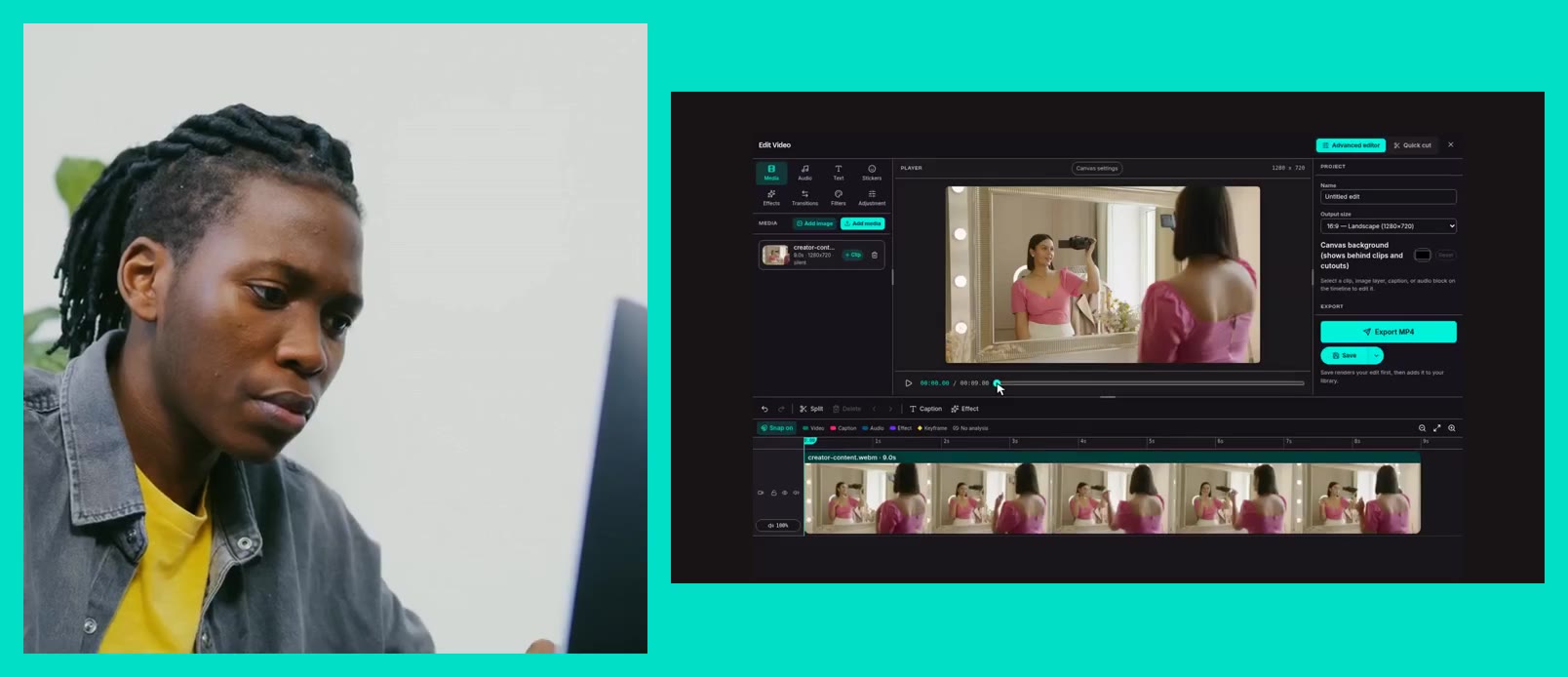
Open the Editing module, drop in your file, and choose a compression preset. Compress Video uses AV1 (SVT-AV1) up to 50% smaller than H.264 at equivalent quality and keeps the original resolution. Quick Compress (720p) scales to 720p with H.264 for the fastest possible output, and H.265 HEVC sits in between.
Always compress the highest-quality source you have. Compressing an already-compressed file stacks the artefacts. Start from the original every time.